You can now pay by card, PayPal, iDEAL or SEPA
Until late August, cryptocurrency was the only way to pay us. Invoices now take debit and credit cards, Apple Pay and Google Pay, PayPal, iDEAL, Bancontact, SEPA Direct Debit and a plain EU bank transfer. Since 21 September, paying a new order by card saves the card with Whop, our payment provider, and turns on automatic payment of your renewals, which you can turn off at any time.
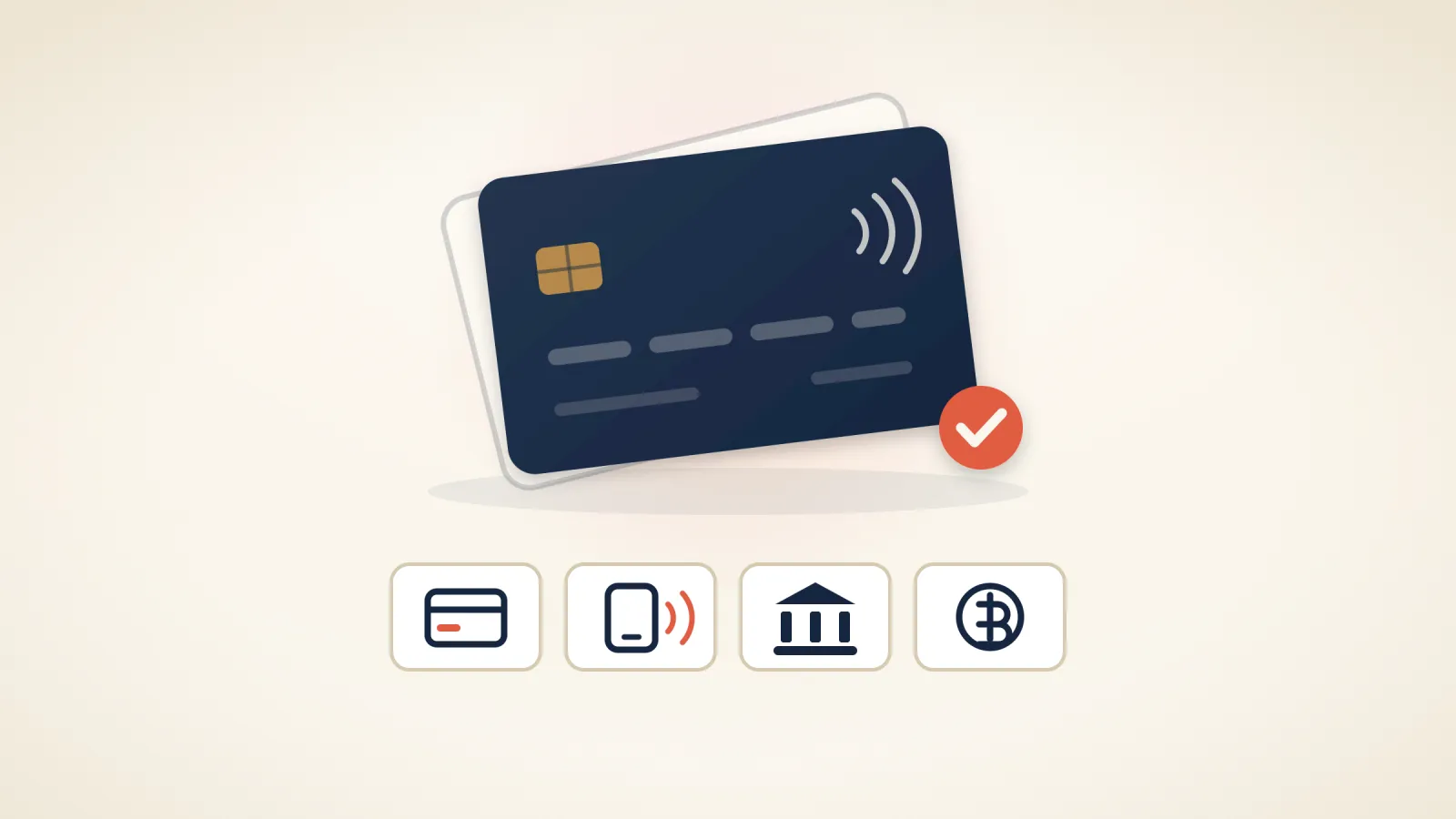
Until late August, cryptocurrency was the only way to pay us. That was an honest limitation of a young company, and for most people a good reason not to sign up. It is gone: invoices at my.maxinodes.com now take the payment methods you would expect from a European host.
What you can use#
- Debit and credit cards, plus Apple Pay and Google Pay
- PayPal
- iDEAL and Bancontact
- SEPA Direct Debit, or a plain bank transfer from an EU account
- Cryptocurrency, as before
Pay-later schemes such as Klarna are deliberately not on the list. Hosting is not something to buy on consumer credit, and the fees would have ended up in the prices. Everything is billed in euro.
What we still don't do#
(No longer accurate: see the updates below.) We don't store your card, and nothing is ever charged automatically. Each renewal arrives as an invoice by email ahead of its due date, and you pay it with whichever method suits you at the time. That is one more click a year on an annual plan, in exchange for never finding an unexpected charge on a statement.
Update, 16 September 2026: this has changed. You can now turn on automatic card payment in the client area, under Billing → Automatic payment. It is off unless you turn it on, it charges renewal invoices only, and each invoice still reaches you by email before your card is charged. The card is saved by Whop, not by us. If you would rather keep paying by hand, nothing changes for you. The details are in clause 9 of the Terms of Service. (Partly out of date since 21 September: see that update below.)
Update, 17 September 2026: a plan on a 12 or 24-month term can now start at a discounted price for its first term, once per customer on a new order, and then renews at the renewal price shown when you order, which is higher. So that a renewal never catches you out, we email you at least 30 days before any renewal that will cost more than you last paid, with the new amount and what you can do before the renewal date: cancel, or ask us to switch you to monthly billing. If automatic payment has already charged a renewal and you cancel before its due date, we refund it in full. Current prices are on the pricing page, and the details are in clause 9 of the Terms of Service.
Update, 21 September 2026: when you pay a new order by card after agreeing to automatic payment at checkout, the card is now saved by Whop, our payment provider, and automatic payment is turned on for the renewals of all the services and domains on your account. Before you pay, the checkout shows what will renew, for how much and when your card will be charged, including any services and domains you already have, and the box you tick to accept the Terms says so. If automatic payment is already on, the card you pay with replaces the saved one. Automatic payment charges renewal invoices only, three days before they fall due, and each invoice reaches you by email about two weeks ahead with the amount and the charge date. You can turn it off at any time in the client area, under Billing → Automatic payment, which also removes the card. If you pay by PayPal, iDEAL, Bancontact, SEPA Direct Debit, bank transfer or cryptocurrency, nothing is saved and, unless automatic payment is already on for your account, you pay each renewal invoice yourself. If you already have a plan with us, nothing changes for it unless you turn automatic payment on or pay a new order by card after agreeing to it at checkout, which turns it on for all your plans and domains. One correction to what we said before: Whop may keep a card you pay with in your own Whop account, under its own terms, and that was already the case before this change. We only ever charge a saved card while automatic payment is on. The details are in clause 9 of the Terms of Service.
A refund goes back the way you paid. Cryptocurrency is the one exception, because a crypto payment cannot be reversed the way a card payment can, so we agree the route with you first. Both cases are written into the Terms of Service.
Who handles the money#
The card and bank side is processed by Whop, which is listed on our Subprocessors page with what it receives. We never see your card number; it goes to the processor and stays there. Crypto payments continue to run through NOWPayments.
Open invoices are under Invoices in the client area. If a method you expected is missing at checkout, tell us and we will look at adding it.
Related articles
New at Maxinodes: our own webmail, automatic payment and a new pay page
New in September: our own webmail at webmail.maxinodes.com, automatic payment for renewals, a new card payment page, and a client area that stays in your language.
Mailboxes on your own domain, included with every plan
Every Maxinodes hosting plan includes mailboxes on your own domain, with IMAP, POP3 and webmail, at no extra charge. Moving your existing mail in is free, and Microsoft 365 and Google Workspace stay available for teams that need shared calendars or Teams.
A shorter checkout, and a client area that works on a phone
Ordering hosting now takes four screens instead of six, the checkout asks only for what an invoice or a domain registry actually needs, and the client area has one design across desktop and phone, in English and Russian. Here is what changed and what didn't.