Mailboxes on your own domain, included with every plan
Every Maxinodes hosting plan includes mailboxes on your own domain, with IMAP, POP3 and webmail, at no extra charge. Moving your existing mail in is free, and Microsoft 365 and Google Workspace stay available for teams that need shared calendars or Teams.
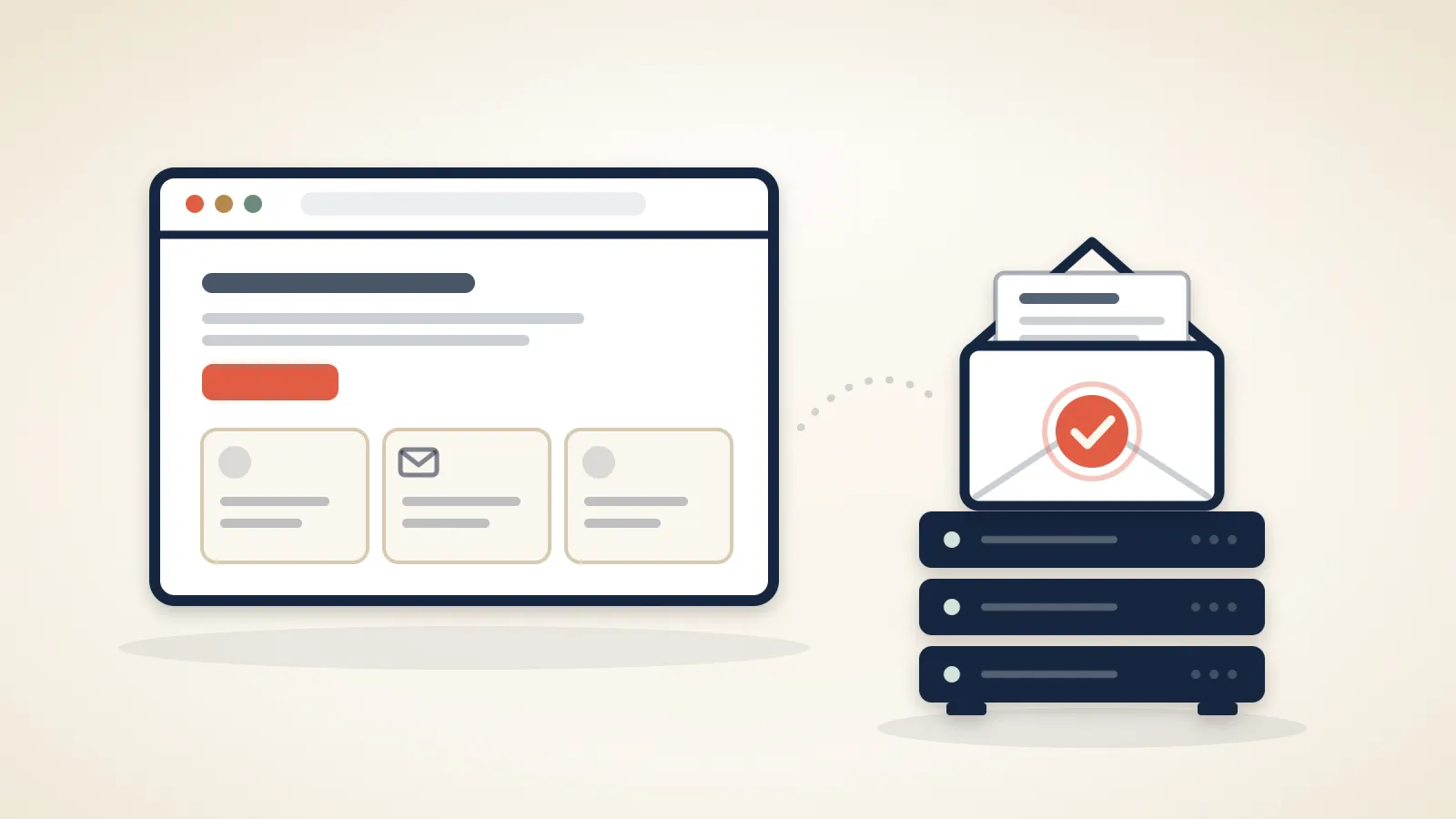
Every Maxinodes hosting plan includes mailboxes on your own domain, such as info@yourcompany.com, at no extra charge. Create them on your service page in the client area, under Email Accounts; the Webmail button on the same page opens your mail in the browser.
What you get#
- IMAP and POP3 for Outlook, Apple Mail or your phone, and webmail in the browser.
- Spam filtering: known spam sources are refused, and other spam is filtered into your Junk folder.
- Stored in the Netherlands: on our servers, and backed up with the rest of your account.
- Shared storage: mailboxes share your plan's storage with your website.
How many mailboxes#
- Self-Managed Lite: 10 mailboxes
- Self-Managed Plus: 50 mailboxes
- Self-Managed Pro: unlimited mailboxes
- Managed Starter: 25 mailboxes
- Managed Growth: 100 mailboxes
- Managed Business: unlimited mailboxes
Moving your mail in#
Moving existing mail is free on every plan. From another cPanel host the mailboxes come across with the rest of the account in one transfer, passwords included; from anywhere else we copy the mail over IMAP. Tell us before you switch nameservers or cancel your old hosting, and we'll move the mail with you.
When a mailbox isn't enough#
Microsoft 365 and Google Workspace stay available as Professional Email, for shared calendars, Teams, shared drives and compliance tools, or for mail you'd rather keep off your website's server. More on the email page; setup guides and mail app settings are in the Help Center.
Related articles
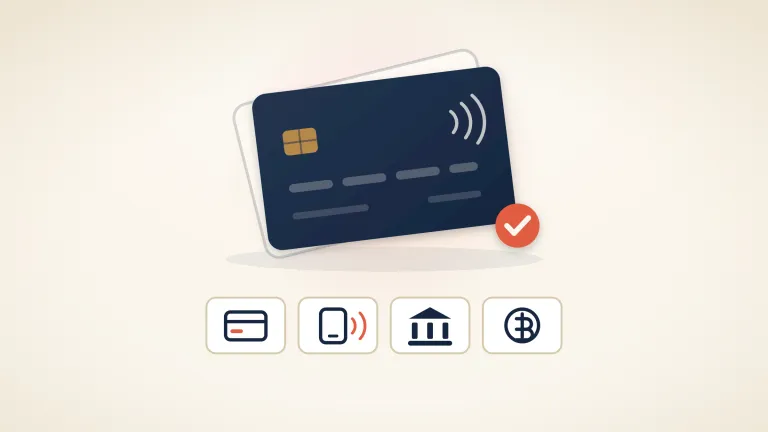
You can now pay by card, PayPal, iDEAL or SEPA
Until late August, cryptocurrency was the only way to pay us. Invoices now take debit and credit cards, Apple Pay and Google Pay, PayPal, iDEAL, Bancontact, SEPA Direct Debit and a plain EU bank transfer. We don't store a card, and nothing is charged automatically unless you turn on automatic payment (added 16 September).
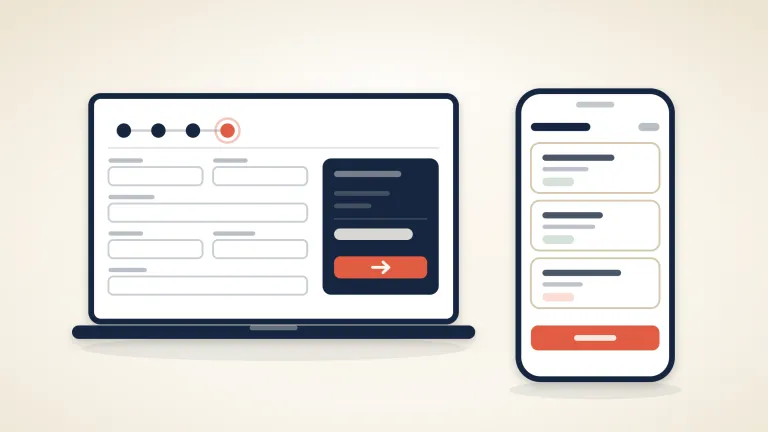
A shorter checkout, and a client area that works on a phone
Ordering hosting now takes four screens instead of six, the checkout asks only for what an invoice or a domain registry actually needs, and the client area has one design across desktop and phone, in English and Russian. Here is what changed and what didn't.