HTTPS Certificates Are Getting Shorter. Here's What Changes for Your Site.
By 2029 no certificate will last more than 47 days, and September's attacks on three country domains showed why. Who has to act, and how to see every certificate for your domain.
- What is changing, and when
- Why certificates are getting shorter
- If your site is hosted with us
- Who will have to do something
- How to see every certificate issued for your domain
- CAA records: worth adding, and what they can't do
- The part nobody can configure
- In short
In late September, attackers who had broken into the systems behind three country domains, .gh (Ghana), .sl (Sierra Leone) and .as (American Samoa), changed the DNS records at the registry and used that control to get real HTTPS certificates for several Google domains, and for domains belonging to other well-known brands and services. Nothing was forged. A certificate authority checks that whoever asks for a certificate controls the domain, and for a while the attackers did. Google disclosed the attacks on 6 October and said it had "no reason to believe" the certificate authorities "did anything wrong".
Google blocked the certificates in Chrome and worked with the authorities that issued them to revoke them. But a certificate that should never have existed stays a risk for as long as it is valid. Shrinking that window is the main reason every HTTPS certificate on the web is getting shorter-lived, on a schedule agreed well before this attack. For most sites hosted with us, none of it needs anything from the owner.
What is changing, and when#
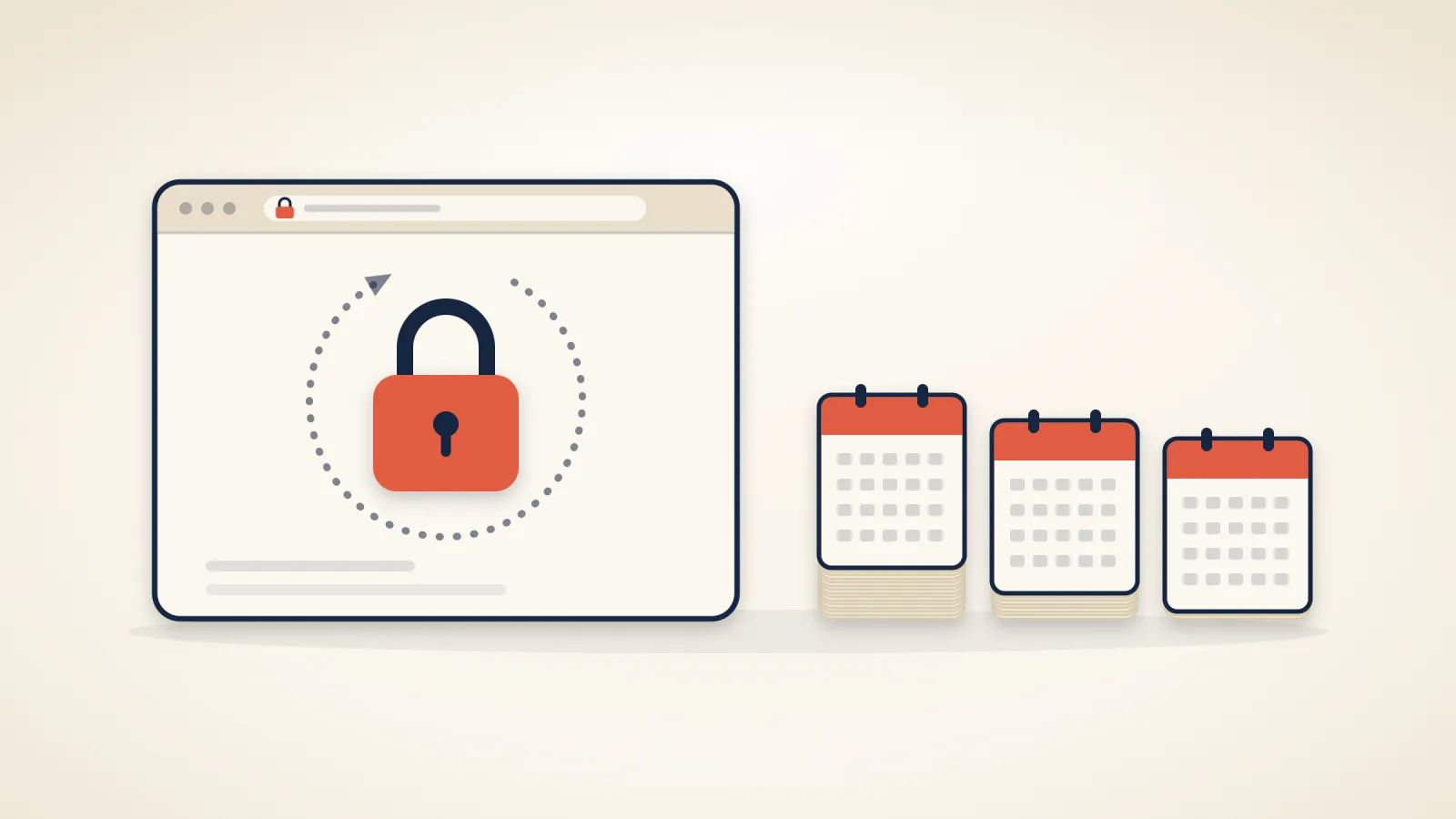
Two schedules are moving at once. The CA/Browser Forum, the body that writes the rules for publicly trusted certificates, voted in April 2025 to cut the maximum lifetime of a certificate in three steps. No certificate authority voted against it, and Apple, Google, Microsoft and Mozilla all voted for it. Let's Encrypt, the free certificate authority AutoSSL uses on our servers, is shortening its own certificates faster than the rules require.
| Date | What changes |
|---|---|
| 15 March 2026 | No certificate may be valid for more than 200 days, down from 398. Already in force. |
| 10 February 2027 | Let's Encrypt certificates last 64 days instead of 90. |
| 15 March 2027 | The maximum for every certificate authority falls to 100 days. |
| 16 February 2028 | Let's Encrypt certificates last 45 days. |
| 15 March 2029 | The maximum falls to 47 days, and a check that you control a domain can be reused for 10 days at most. |
Each step applies to certificates issued on or after its date. A certificate you already have keeps its lifetime until it is replaced.
Why certificates are getting shorter#
A certificate is a signed statement that a key belongs to a domain. There are two ways to end it early: revoke it, or wait for it to expire. Revocation works badly. Browsers don't all check it, and the ones that do check it in different ways. After the hijacks, Google's own advice to site owners was that browser-side blocking "should not be relied on to protect your users".
Expiry always works. A certificate that lasts 47 days instead of 398 limits how long a wrongly issued one can be used, how long a key stolen from a server stays useful, and how long the previous owner of a domain can hold a valid certificate for it. The shorter reuse of domain checks closes the same gap from the other side: the certificate authority has to confirm more often that the person asking still controls the domain.
The cost is renewals. A 47-day certificate needs replacing roughly every month. Done by hand, that is unworkable. Done by software, nobody notices.
If your site is hosted with us#
Every domain in a hosting account that points at our servers gets a free Let's Encrypt certificate, issued and renewed by cPanel's AutoSSL. The same certificate usually covers www, mail and webmail, so the certificate your mail app sees on mail.yourdomain is renewed along with the website's. For these, nothing in the table above needs anything from you. Your mail apps need no change either: if one is set up with node11.maxinodes.com as its server, that is the server's own certificate, also from Let's Encrypt and also renewed automatically. Microsoft 365 and Google Workspace mailboxes use their providers' certificates.
We checked what our servers actually do, on 9 October 2026:
- AutoSSL checks every account every three hours.
- It starts replacing a Let's Encrypt certificate when fewer than 29 days are left. Today's 90-day certificates are replaced at around day 61.
- With 64-day certificates, replacement will start at day 35, and with 45-day certificates at day 16. Either way, a renewal that fails has 29 days of retries before anything expires.
- If renewals keep failing, cPanel emails you, and us, before the certificate runs out. The usual cause is a domain whose DNS no longer points at our servers.
On the site itself you won't notice anything; if you open the certificate details in your browser, the issue date will simply be more recent than you're used to. What you may notice is email. When AutoSSL renews a certificate, cPanel writes to you if one of the extra names it tries to cover, such as webdisk.yourdomain or autodiscover.yourdomain, has no DNS record pointing at our servers. That doesn't mean your site lost its certificate, and with shorter certificates these emails will come more often.
Who will have to do something#
An expired certificate doesn't take a site offline, but browsers show a full-page warning in front of it, and many visitors turn back there. These are the cases where that can happen.
You bought a certificate and installed it yourself. Some businesses buy a certificate from a commercial authority, often an organisation-validated (OV) or extended-validation (EV) one, because a contract, a bank or a tender asked for it. Since March, no certificate can be issued for more than 200 days, and from March 2027 the limit is 100. A certificate sold as "one year" now arrives as two or more shorter certificates that you reissue and reinstall during the year.
On our servers, AutoSSL does not replace a certificate you installed yourself, even when it expires. That is deliberate, so a paid certificate is never swapped for a free one without anyone asking, but it means each reinstall is yours. If nobody actually requires a paid certificate, the simplest fix is to stop using it: remove it in cPanel under SSL/TLS, then open SSL/TLS Status and click Run AutoSSL, so the free certificate goes on within minutes instead of at the next check, up to three hours later. Or ask us and we'll do it.
You copied a certificate somewhere else. If your domain's certificate also sits on another system, such as a CDN you uploaded it to, a firewall, a mail gateway or an app that has the certificate built into it, nothing updates those copies. A free certificate on our servers is replaced with about four weeks left, so each copy expires about four weeks after the original is renewed. The lasting fix is to let each of those systems get its own certificate, which most CDNs do for free; otherwise every copy has to be replaced by hand after every renewal.
You run a server of your own elsewhere. Let's Encrypt recommends letting your ACME client follow ACME Renewal Information (ARI), which tells it when to renew, or renewing about two thirds of the way through each certificate's life. It asks anyone whose renewals run on a fixed number of days to switch before February 2027: a timer set to 80 or 83 days will fail with 64-day certificates, and a 60-day one leaves only four days to spare then and fails outright with 45-day certificates.
How to see every certificate issued for your domain#
Chrome, Safari and Firefox refuse a publicly trusted certificate unless it has been published in public Certificate Transparency logs, so any certificate that could fool a visitor's browser is out in the open. Anyone can look up those certificates for any domain, which means you can look up yours.
- Go to crt.sh and search for your domain. To include subdomains, search for
%.example.com. It is a free service and is sometimes overloaded; if it doesn't respond, try again later. - Look at the issuer and the dates. For a site hosted with us you should see Let's Encrypt, with a new certificate about every two months, about every five weeks from February 2027 and about every 16 days from February 2028. Each one lists several names, such as cpanel., mail., webmail. and autodiscover. in front of your domain; cPanel adds those, and that is normal.
- Anything else needs an explanation, not panic. A CDN, a website builder on a subdomain or a previous host will have certificates of its own. But several of the certificates obtained in the September attacks also came from Let's Encrypt, so a Let's Encrypt certificate that turns up between renewals, or for a name you don't use, needs the same explanation. If you find one you can't account for, ask us: we can tell you whether it came from our servers.
If you would rather be told than look, paid monitoring services email you when a new certificate appears for your domain. Google's advice is to watch every domain you own this way, including parked domains and country versions of your main one.
CAA records: worth adding, and what they can't do#
A CAA record is an entry in your domain's DNS that names the certificate authorities allowed to issue certificates for it. Authorities must check it before issuing. With one in place, an authority that isn't on the list refuses a request for your domain, even from someone who passes its other checks.
It would not have stopped the September attacks, and Google says so plainly: CAA "can not prevent certificate issuance during an active DNS hijack". Whoever controls your DNS controls your CAA record too. It still narrows the ways a certificate can be wrongly issued the rest of the time.
For a site hosted with us, the record names Let's Encrypt, the authority AutoSSL uses:
example.com. CAA 0 issue "letsencrypt.org"
- If your domain uses our nameservers, add it in your client area: open DNS in the top menu (the DNS Management page) and add a record of type CAA, flags 0, tag
issue, valueletsencrypt.org. - If anything else issues certificates for your domain, such as a CDN or a shop platform on a subdomain, add its authority as a second record, or that service's next renewal will fail. The service can tell you which authority it uses.
- Google also suggests tying the record to one specific account at the certificate authority (an "ACME account"). On shared hosting, leave that out: the account belongs to the server, not to you, and the binding would block renewals if your site ever moved to a different server.
The part nobody can configure#
The September attackers didn't need to break into a single website. They went through the registries that run three country domains instead. No setting on a site, in its DNS or on its certificate could have prevented that: a domain is only as safe as the registry behind it. What you can control is how quickly you notice, and that is why the Certificate Transparency check above matters more than any record you can add.
In short#
- Certificate lifetimes shrink in steps: 200 days now, 100 from March 2027, 47 from March 2029. Let's Encrypt moves to 64 days in February 2027 and 45 in February 2028.
- On our hosting, the free certificates renew themselves, and our servers start renewing early enough to cope with 45-day certificates.
- If you installed a paid certificate yourself, you'll be reinstalling it more often. If nobody requires it, let the free one take over.
- Search crt.sh for your domain now and then. A certificate you can't explain is worth a question.
- A CAA record naming letsencrypt.org is a sensible extra, but it would not have stopped a registry hijack.
Related articles

WordPress 7.1.2: attacked within hours of the fix, and what we changed
WordPress fixed a serious flaw on 22 September and attacks began that day. Update to 7.1.2. We've turned off a PHP setting the known attack needs; only the update fixes the flaw.
Your Host Says It Backs Up Your Site. Here's How to Check.
A broken backup is usually discovered on the day it is needed. Five questions to ask your host, a fifteen-minute test, and what we found when we ran it on our own platform.
Three flaws that let one hosting account take over a server, and when we closed each one
Between 27 August and 14 September, three flaws were published in cPanel and LiteSpeed that let a single account on a shared server take control of the whole machine. All three are fixed on our servers, and there is nothing for you to install or change. Here is when each fix went in.