WordPress 7.1.2: attacked within hours of the fix, and what we changed
WordPress fixed a serious flaw on 22 September and attacks began that day. Update to 7.1.2. We've turned off a PHP setting the known attack needs; only the update fixes the flaw.
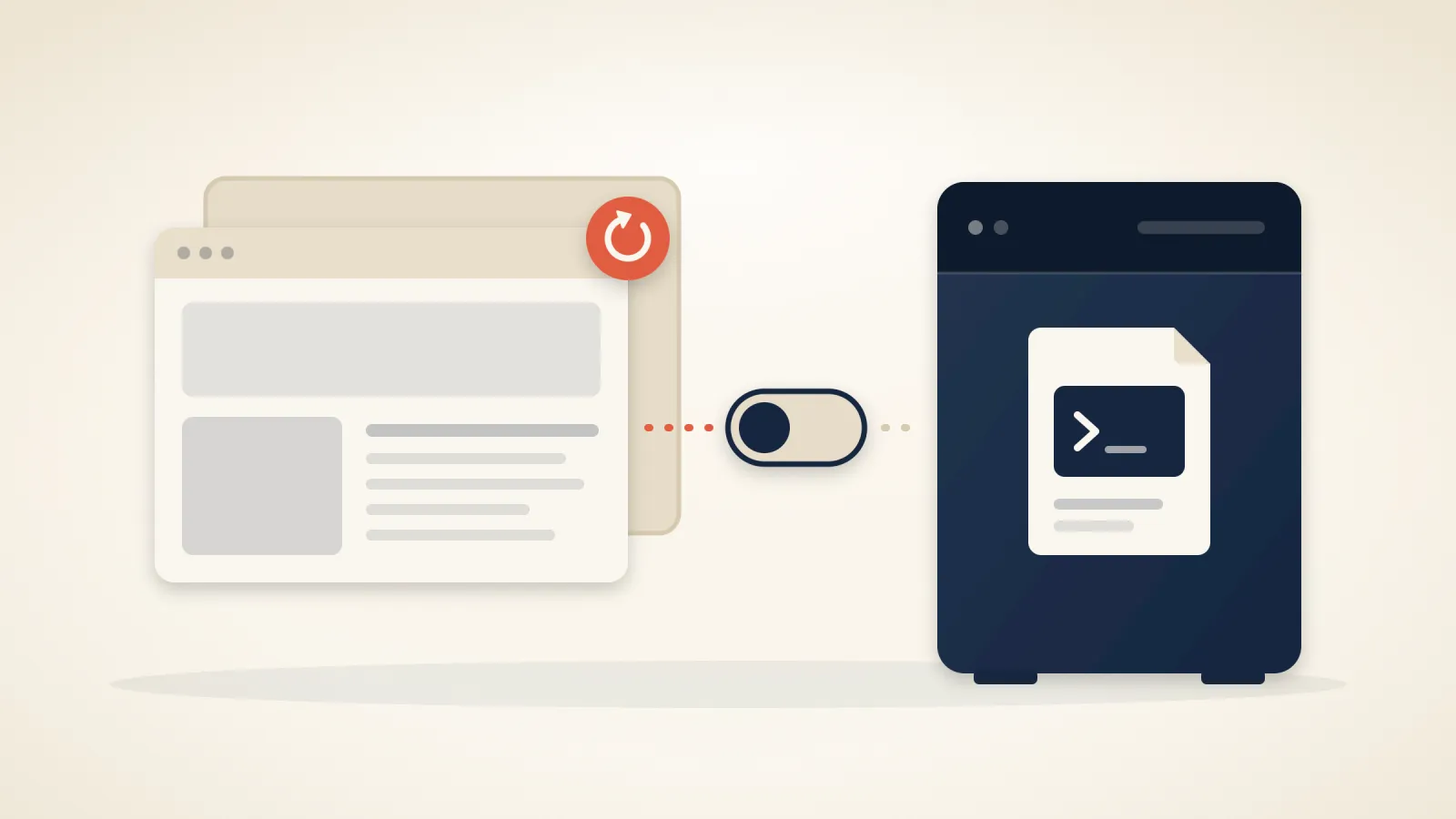
On 22 September, WordPress released version 7.1.2 to fix a flaw in the way it chooses a page template (CVE-2026-87902). Every version from 4.7, released in 2016, up to 7.1.1 is affected. No login is needed, and in the right conditions the flaw lets an attacker run their own code on the server.
Attacks started that same day. Patchstack logged the first probing request at 11:49 UTC on 22 September and the first attempt to write a PHP file at 15:34 UTC. By the next day there were more than ten times as many requests.
Check your version#
WordPress installs security releases by itself unless someone has switched that off. Check rather than assume:
- In WordPress, open Dashboard → Updates. It shows the version you run and whether security releases install automatically. You want 7.1.2 or later. Sites that stay on an older major version got a fixed release of their own, from 7.0.6 and 6.9.9 back to 4.7.37; WordPress's security advisory lists them all.
- In cPanel, open WP Toolkit. It lists every WordPress site in your account with its version. In a site's update settings, Update WordPress automatically should be at least Yes, but only minor (security) updates.
If automatic updates were off and you have only just updated, check that nobody got in first. Look for administrator accounts you didn't create and for PHP files you don't recognise in wp-content/uploads. The published attack writes its files to the server's temporary folders rather than to your site, so ask us and we'll check those and the access logs for you.
What we changed on our servers#
The flaw makes WordPress load a PHP file it should never load. To turn that into running their own code, the published attack loads pearcmd.php, a command-line tool installed alongside PHP, and uses it to write a file of the attacker's choosing. That step only works when a PHP setting called register_argc_argv is switched on. The attack also needs a theme with a folder whose name begins with page-; the advisory names Twenty Twelve, Twenty Fourteen, Neve, Hestia and Sydney.
cPanel ships its PHP 8.2, 8.3 and 8.4 with that setting on, and most sites on our servers run one of those. On 3 October we switched it off in all three; the other PHP versions we offer already had it off. Websites have no need for it: it is meant for scripts run from the command line, and those keep it.
The web application firewall in front of every site on our servers also carries rules for this flaw, so requests that try to use it the published way are blocked before they reach WordPress.
Both are a second layer, not a fix. The flaw stays in every WordPress that hasn't taken the update, and someone may yet publish a way to use it that needs neither the setting nor those requests. Only the update closes it.
Moving a WordPress site to us? Update it at your current host first: your old site stays online until you sign off the move, and it is exposed for as long as it lacks the fix.
Related articles
Your Host Says It Backs Up Your Site. Here's How to Check.
A broken backup is usually discovered on the day it is needed. Five questions to ask your host, a fifteen-minute test, and what we found when we ran it on our own platform.
Three flaws that let one hosting account take over a server, and when we closed each one
Between 27 August and 14 September, three flaws were published in cPanel and LiteSpeed that let a single account on a shared server take control of the whole machine. All three are fixed on our servers, and there is nothing for you to install or change. Here is when each fix went in.

All-in-One WP Migration: if you used it to move your site, update it or delete it
The plugin most people use to move a WordPress site has a serious flaw in the part that restores a backup, fixed in version 7.110. If you installed it for a move and never opened it again, it is still there.