PHP 8.2 stops getting security fixes on 31 December
Your site will keep running, which is exactly the problem. From the first of January, a security hole found in PHP 8.2 does not get fixed. Here is how to see which version you are on, and how to move up in about five minutes.
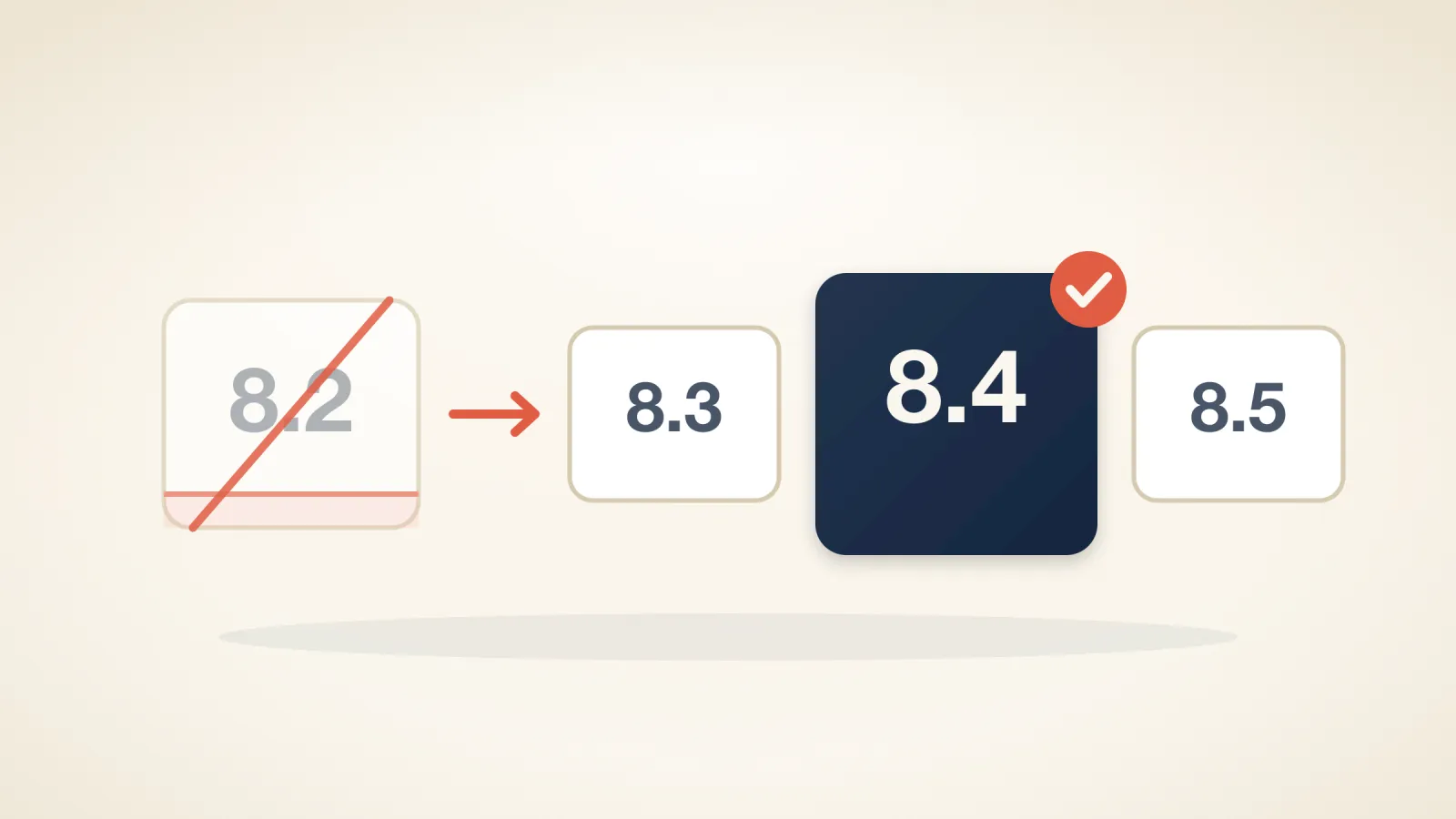
On 31 December 2026, PHP 8.2 reaches the end of its security support. After that date the PHP project stops publishing fixes for it, including for serious bugs.
Nothing visible happens on the first of January. Your site keeps loading, your forms keep working, and that is exactly the problem: an unsupported PHP version fails quietly, months later, when a hole is found and never closed.
What we run#
We serve PHP 8.2, 8.3 and 8.4, and 8.3 through 8.5 are available through the PHP Selector in cPanel. We do not run anything older. If you have moved from a host that was still serving you PHP 7.4, that version does not exist on our servers.
So this affects one group: sites currently set to 8.2. Everything else is already on a supported version.
Check which version you are on#
In cPanel, open MultiPHP Manager. It lists every domain on your account with the PHP version beside it. If you want per-directory control or a different set of extensions, Select PHP Version does the same job through the CloudLinux selector.
If it says 8.2, you have until the end of the year. If it says 8.3 or higher, you have nothing to do.
Moving up#
Pick 8.4. It has security support until the end of 2028, and it is the version we would put a new site on today. Choose 8.3 if something you depend on is not ready for 8.4 — that buys you until the end of 2027 rather than two more years.
For most sites this is a five-minute change. A current WordPress with maintained plugins runs on 8.4 without noticing. The risk sits with old code: a theme nobody has updated in four years, an abandoned plugin, a custom script somebody wrote for PHP 7 and never revisited.
If your site is in that category, copy it to a staging domain and switch the copy first. If you would rather not do that yourself, ask us and we will do it for you.
If something breaks#
Switch back. The PHP version is a setting, not a migration, and putting it back takes the same five minutes. Nothing about your files or your database changes when you move between versions, so a failed upgrade costs you a few minutes and tells you which plugin needs attention.
What we will do#
We will write to every account still on 8.2 before December, and we will not change your PHP version without telling you first. If you would like us to handle the move, or to test it on a copy of your site before anything touches the live one, ask us — it is included, not extra.